No products in the cart.


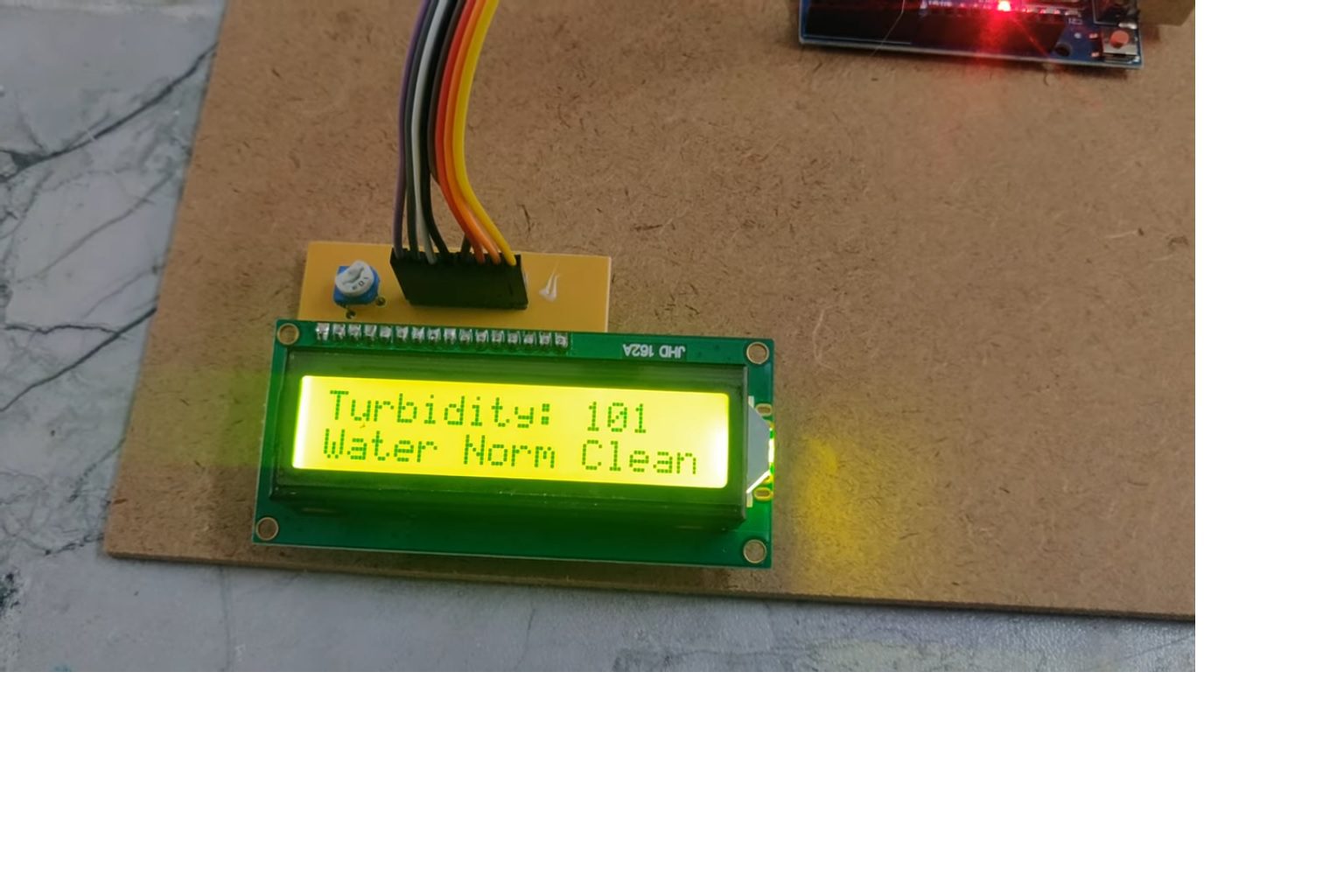
When it comes to liquids, turbidity is an important term. Because it plays an important role in liquid dynamics and is also used to measure water quality.
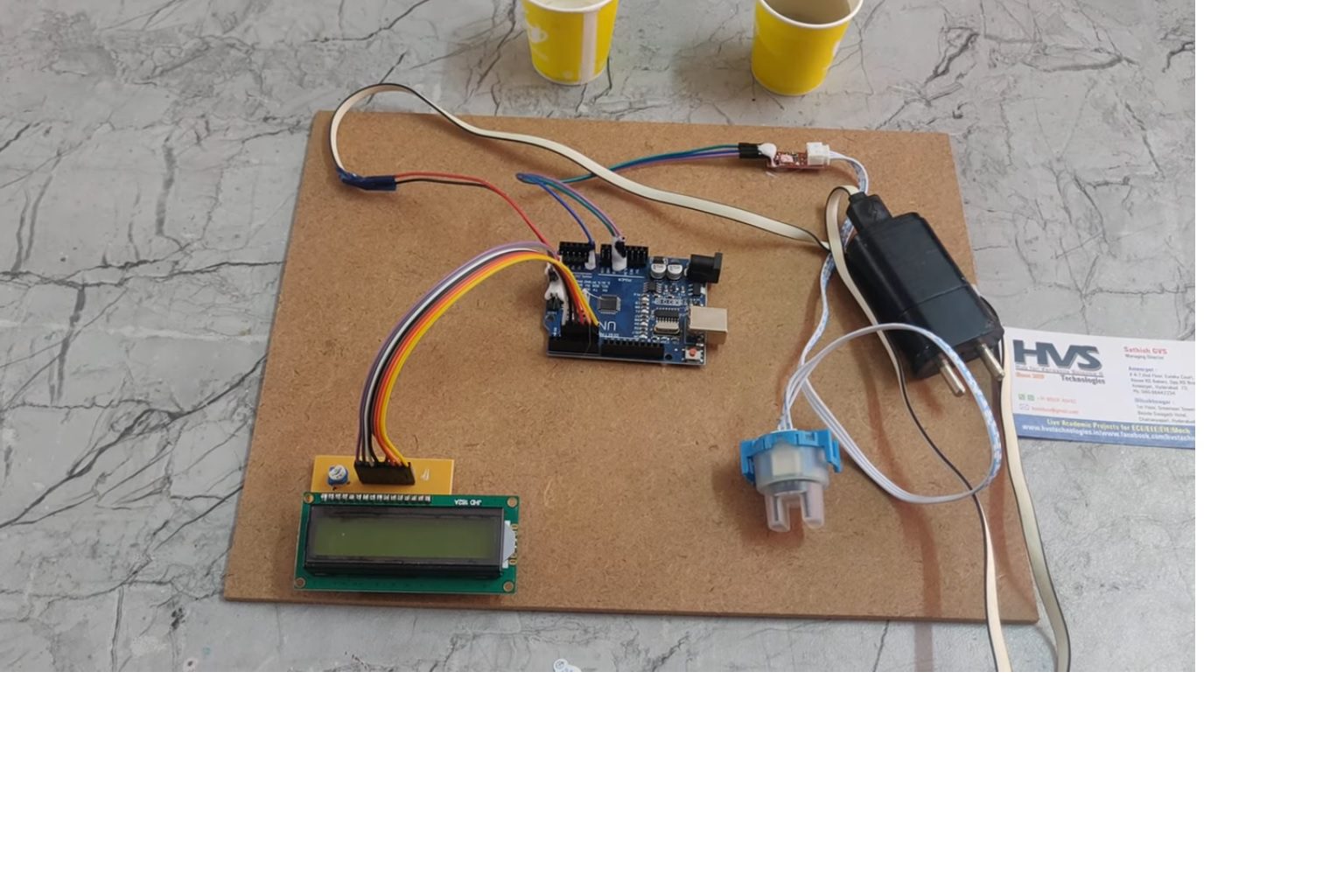
The main aim of this project is to design a water quality measuring system using Arduino and Turbidity Sensor. Turbidity is the degree or level of cloudiness or haziness of a liquid. This happens due to the presence of large numbers of invisible particles (with the naked eye) similar to white smoke in the air. When light passes through liquids, light waves get scattered Due to the presence of these tiny particles. The turbidity of a liquid is directly proportional to the free suspended particles that is if the number of particles increases turbidity will also increase. The water quality values will display on LCD.
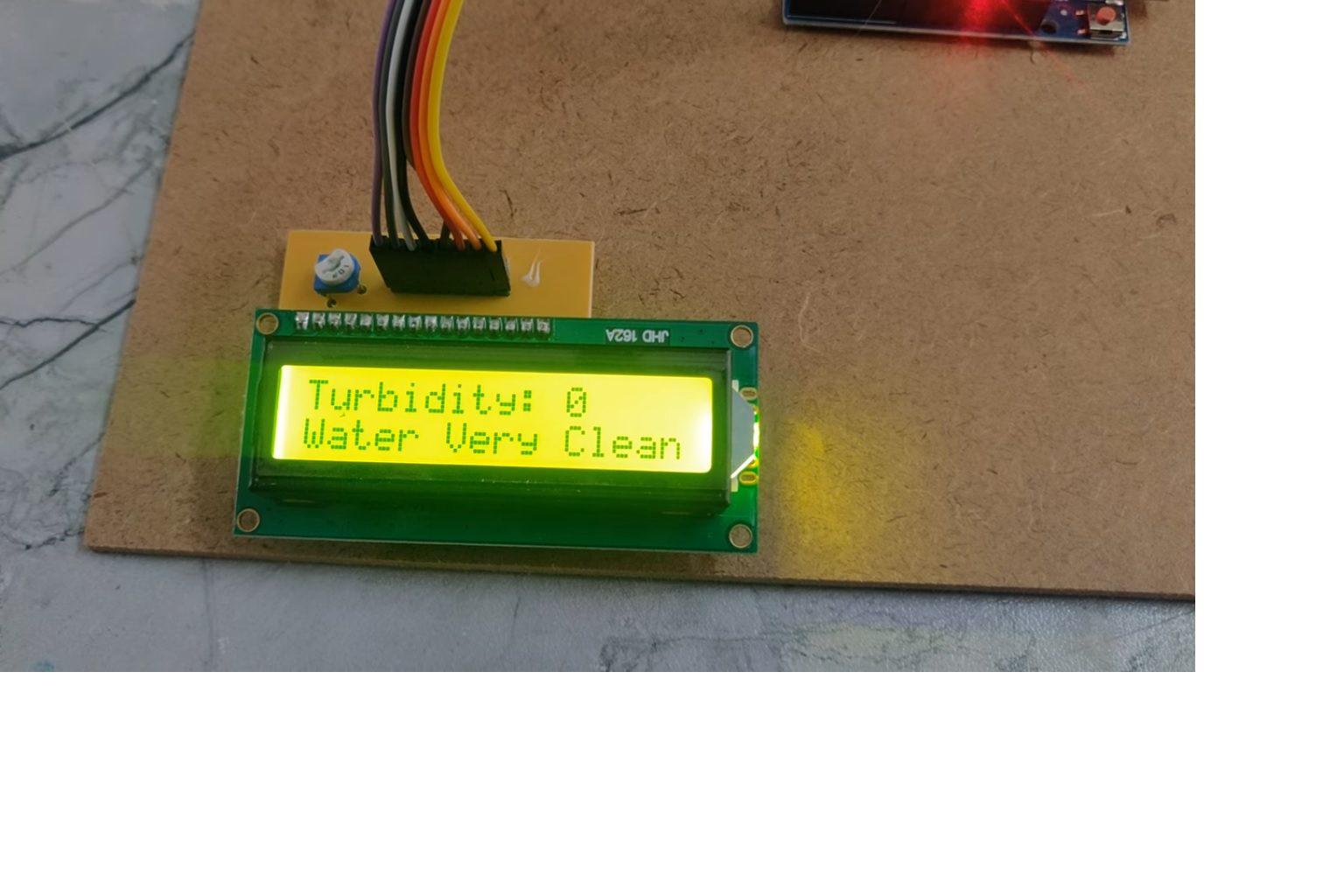
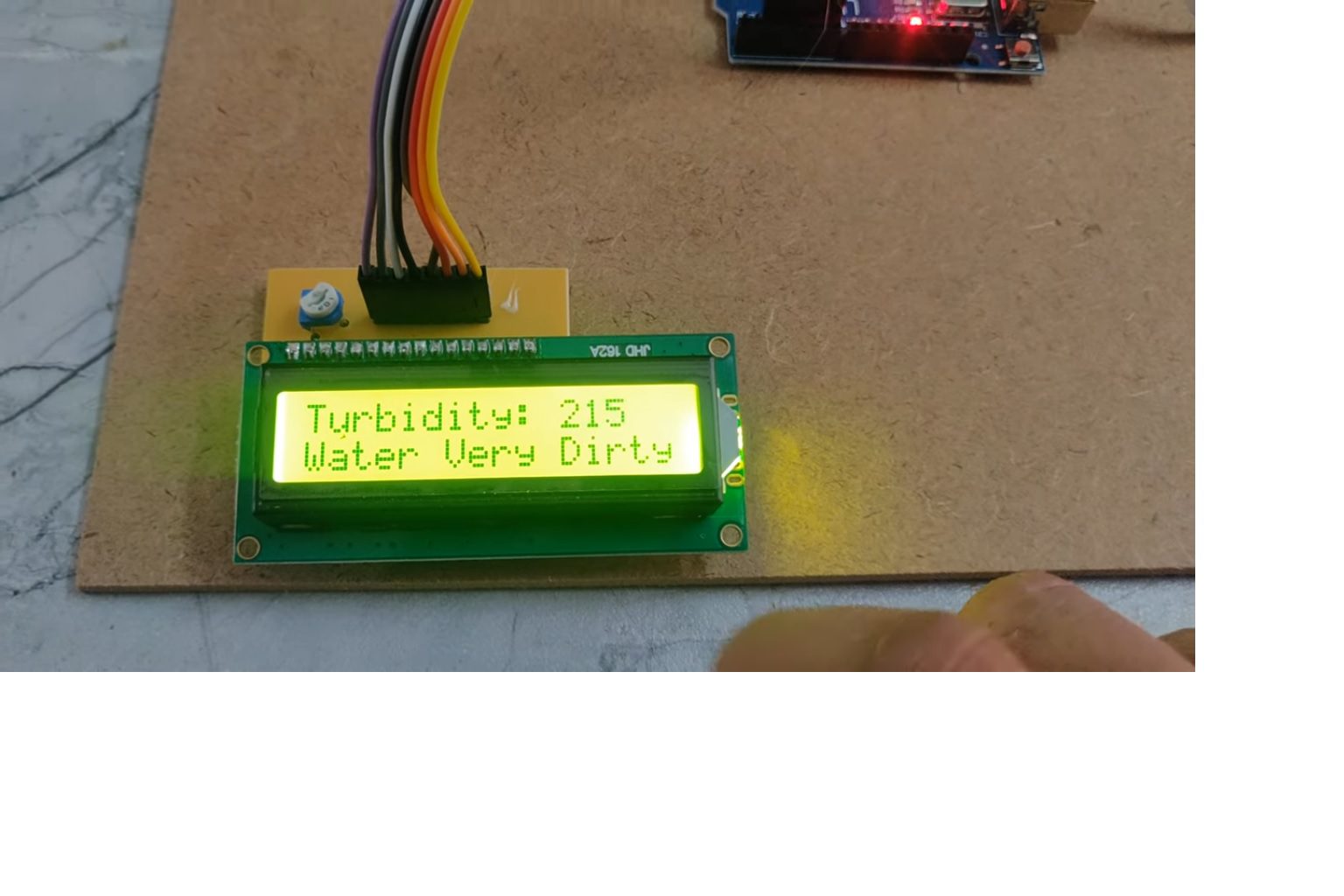
The main controlling device of the project is Arduino UNO. Turbidity sensor and LCD display is interfaced to the Arduino. Arduino will continuously read the data from sensor and display on LCD. Based on the turbidity value, Arduino will active GREEN led and display "its clear" on LCD if the turbidity value is below 20. Arduino will active RED led and display "it's dirty" on LCD if the turbidity value is greater than 50 as shown below. Arduino will active Blue led and display "its cloudy" on LCD if the turbidity value is in between 20 and 50.
Objectives:
 Block diagram:
video:
Block diagram:
video:
- Monitoring water quality using turbidity sensors.
- Display the turbidity values on LCD.
- LED indication based on turbidity value.
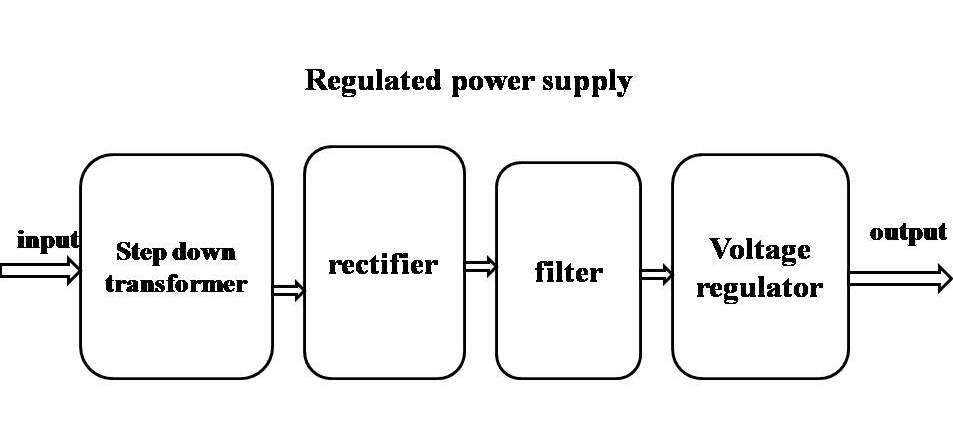
- Power supply.
- Arduino UNO.
- Turbidity sensor.
- LCD display.
- GREEN, BLUE, RED LED indications.
- ARDUINO IDE compiler for Embedded C programming.
- Express SCH for Circuit design.
 Block diagram:
 video: