No products in the cart.


Home Automation is the new trend in a consumer market. There are many home automation systems with different features and facilities. All the home automation systems are used to control home appliances through a remote control. The remote control can be a stationed unit or a wireless remote. The remote used for controlling appliances usually have keys or touch-based sensors.
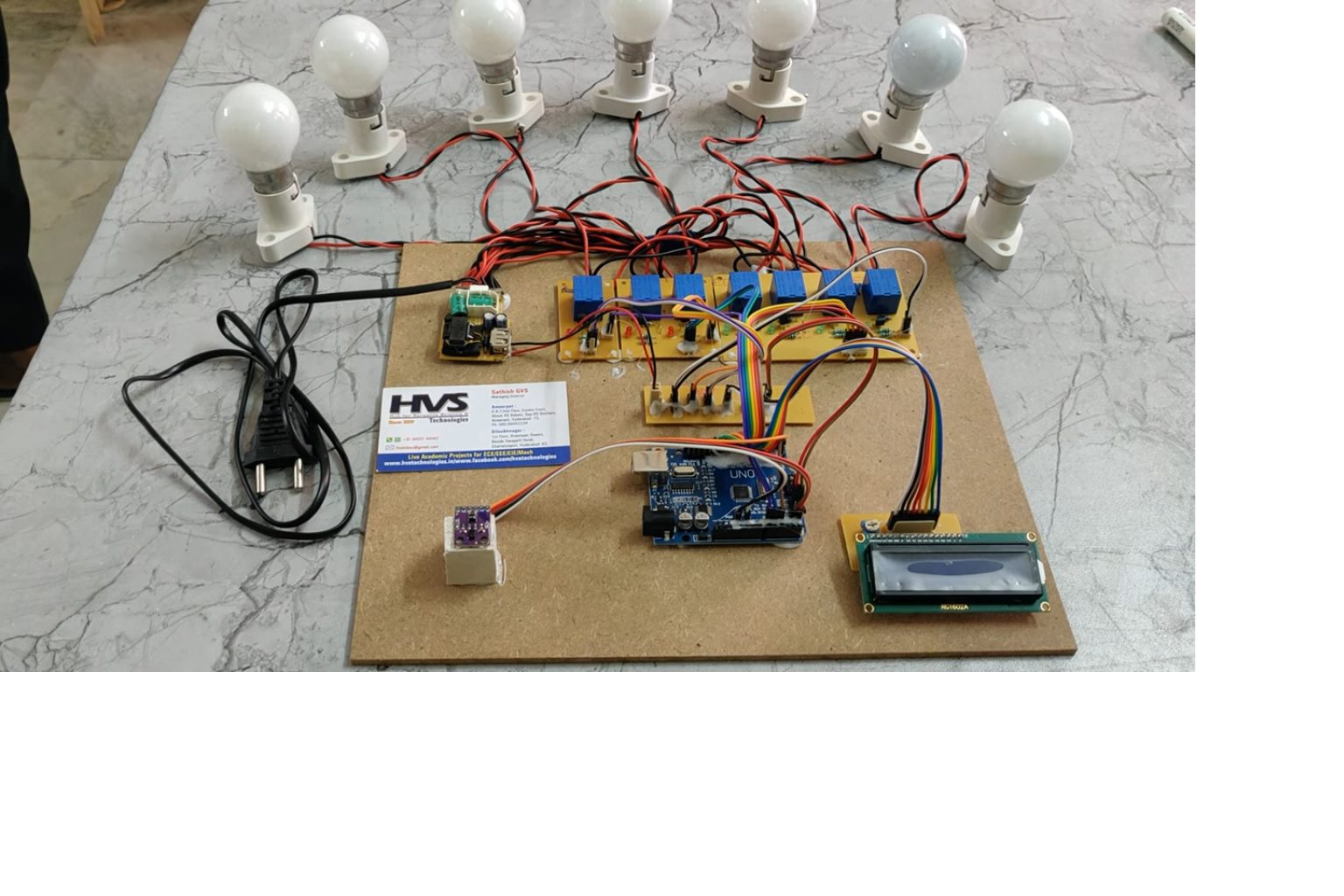
The main aim of this project is to design a home automation system which can be controlled by gestures using PDS9960.
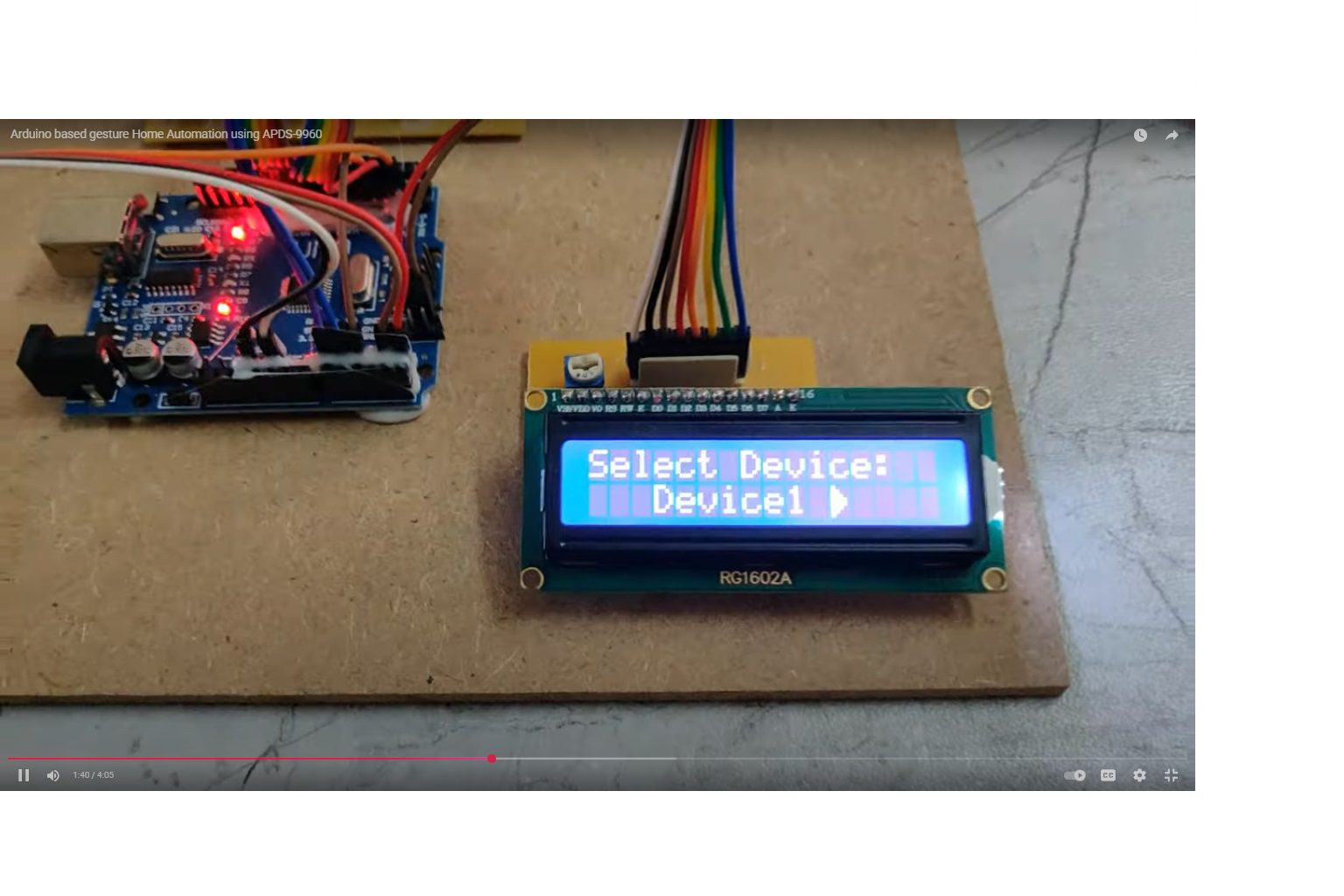
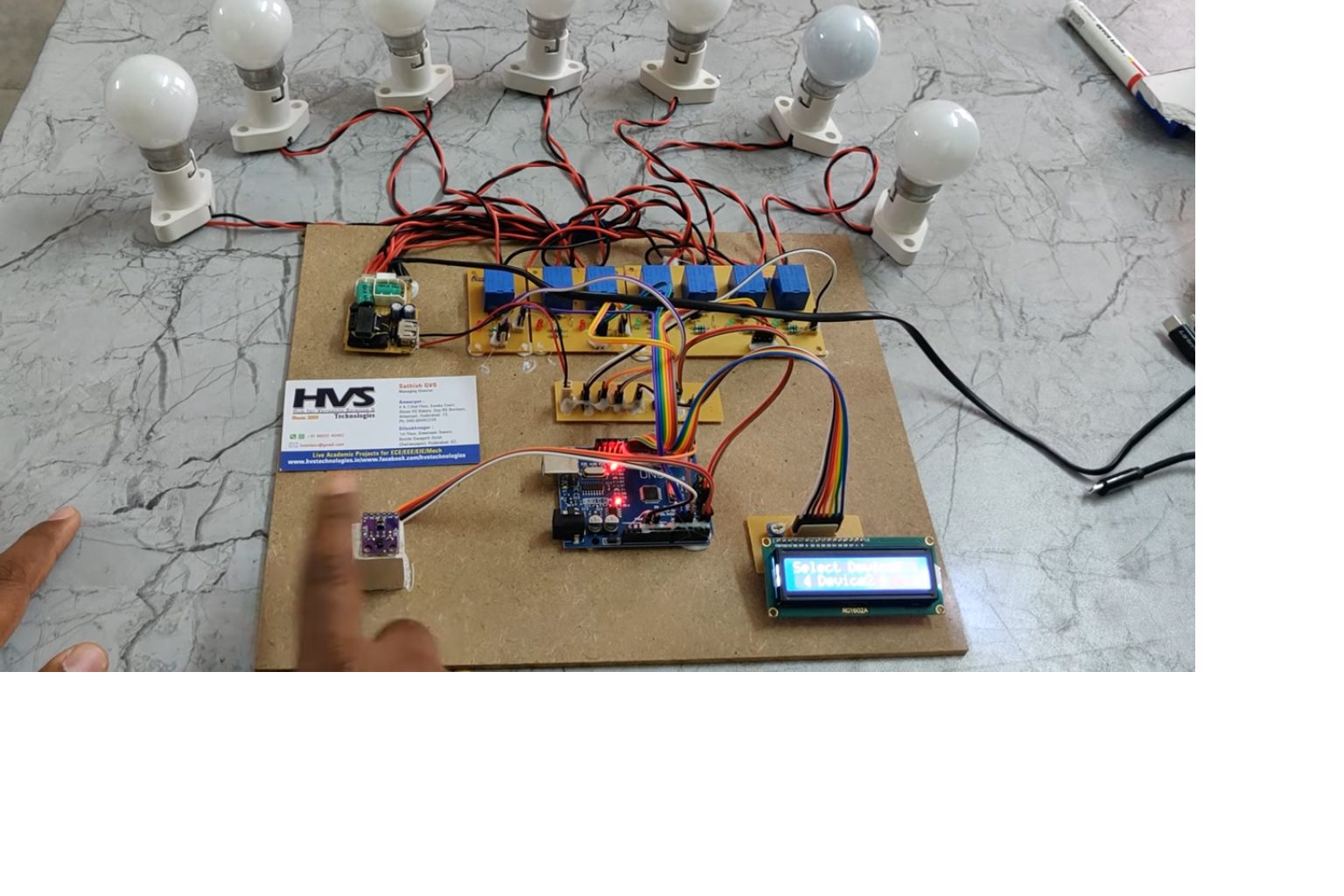
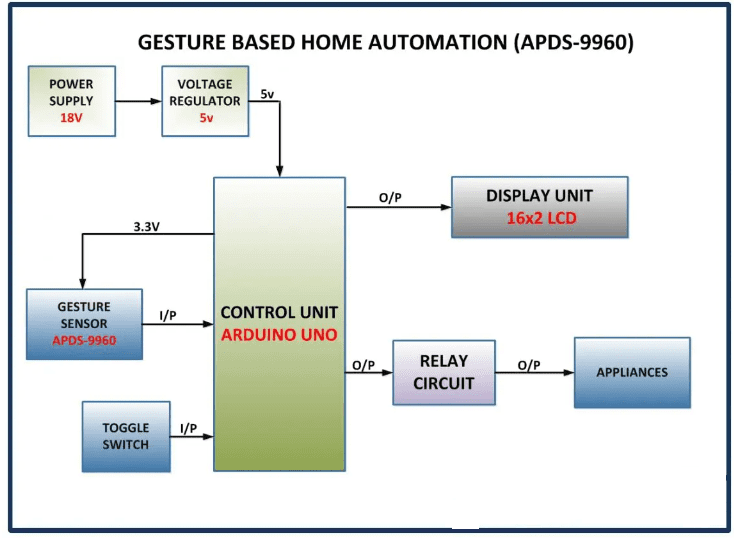
The main controlling device of the project is Arduino UNO. APDS9960, RELAYS ALONG WITH DEVIES, LCD display and toggle switch is interfaced to the Arduino UNO microcontroller.
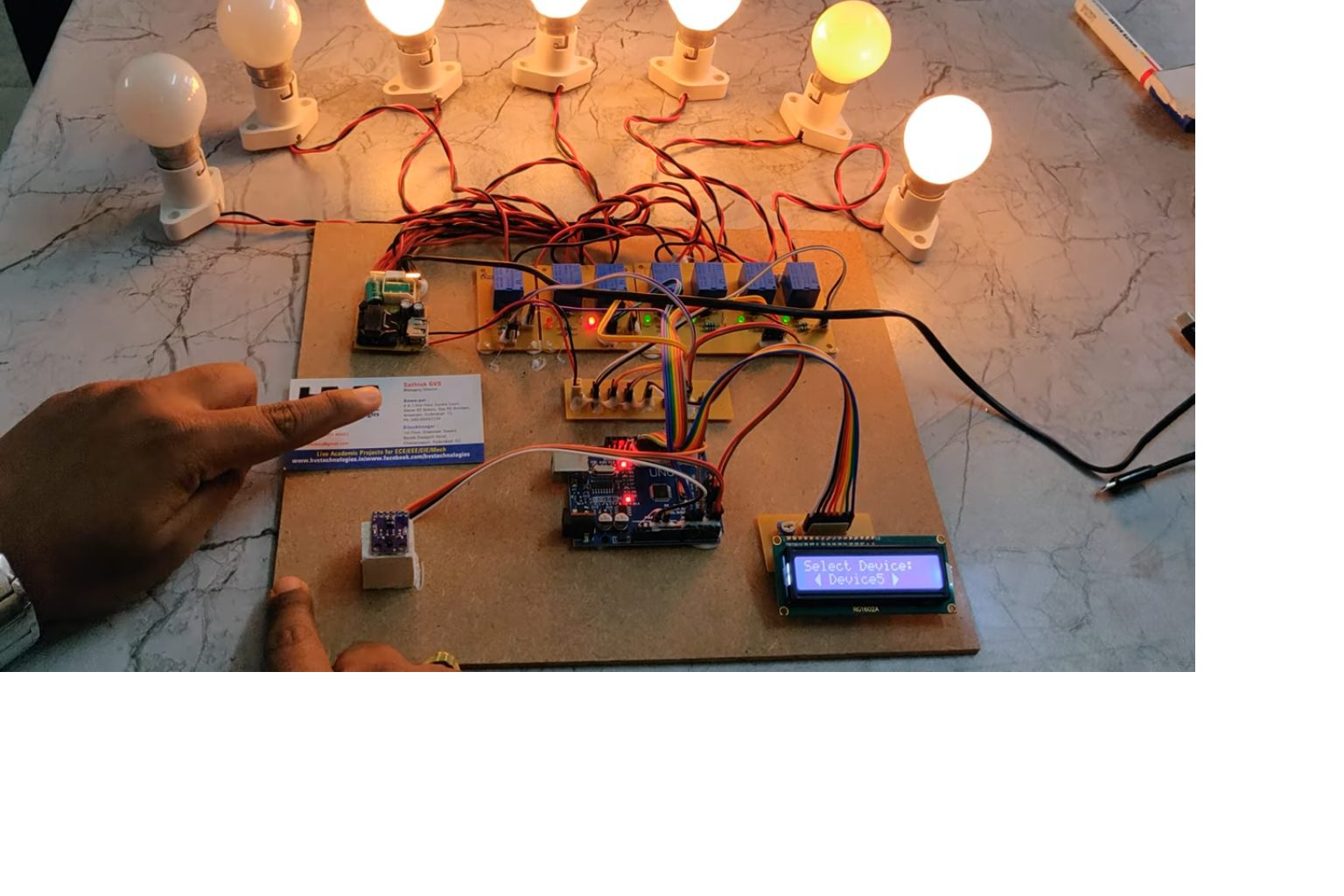
The user can swipe through the devices by moving a finger in left or right direction and switch the appliance ON or OFF by moving a finger in an upward or downward direction.
APDS960 gesture sensor reads the gesture data and process this data to the Arduino uno then Arduino will control the appliances through relay and display the device status on LCD. Here relay works as a switch to ON/OFF the devices. To achieve this task Arduino loaded program written in embedded C language.
The main objectives of the project are:
 video:
- Gesture based home automation.
- Display the device status on LCD display.
- Adapter Power Supply
- Arduino UNO.
- Relays
- LCD display.
- Toggle Switch.
- APDS9960 Gesture Sensor.
- Embedded C programming.
- Arduino ide studio for dumping code into Micro controller.
- Express SCH for Circuit design.
 video: